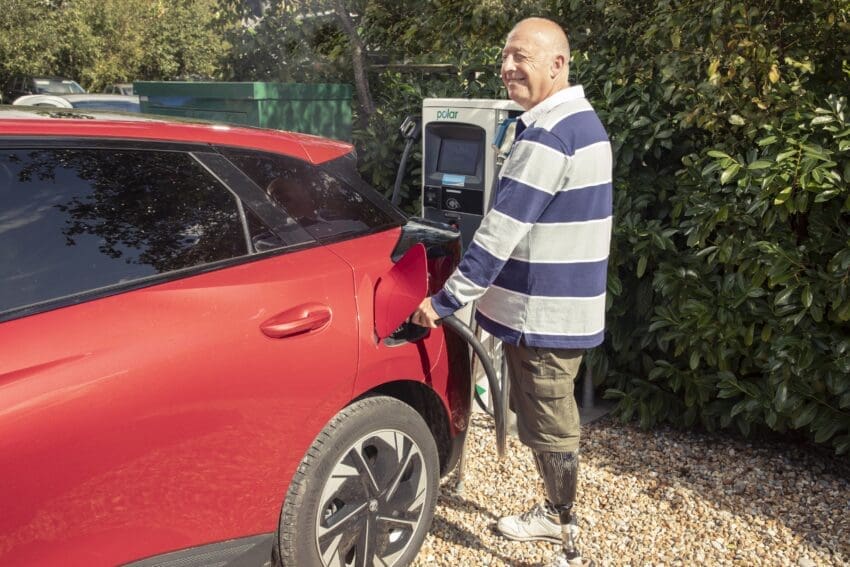
Charging an EV on the road usually means 20 to 45 minutes to kill — so out comes the phone or laptop, and onto the charging station’s free Wi-Fi you go. It’s a routine most EV drivers don’t think twice about.
The trouble is that the same open networks at chargers, service stations, and hotels are exactly the kind attackers love, and your charging and connected-car apps are quietly handling location and payment data the whole time.
So does a VPN actually protect you here, or is it just security theatre? The short version: yes, genuinely — a VPN encrypts everything leaving your device so a dodgy network can’t read it. A free app like Planet VPN does this in one tap, which is why it’s become a road-trip staple. Let’s break down what a VPN does and doesn’t cover while you’re plugged in.
Quick answer: Yes — a VPN protects you on public Wi-Fi by encrypting your entire connection, so the charging station, service-station, or hotel network (and anyone snooping on it) only sees unreadable data. It also hides your IP address and location. A VPN does not stop you from clicking a phishing link or installing malware, so pair it with common sense. For EV drivers, a free VPN like Planet VPN makes charging-stop Wi-Fi safe to use and even lets you reach your usual streaming while abroad.
Why EV charging stops are a soft target
Public Wi-Fi has always been risky, but EV life adds a twist: you use it regularly, in predictable places, for longer stretches. That combination is a gift to opportunists. The main risks at a charger or service stop:
- “Evil twin” networks — a fake hotspot named like the real charging network, routing your traffic through an attacker’s kit.
- Packet sniffing — others on an open network capturing unencrypted data as it travels.
- App exposure — charging apps, payment cards, and connected-car logins all moving across a network you don’t control.
- Location and habit tracking — networks and trackers building a picture of where you charge, when, and for how long.
None of this needs a master hacker — the tools are common, which is why a little protection pays off.
Does a VPN actually protect you? Point by point
Here’s what a VPN genuinely does on public Wi-Fi:
- Encrypts your whole connection. Everything between your device and the VPN server is scrambled, so the network sees only an unreadable stream — packet sniffing and most man-in-the-middle snooping become useless.
- Hides your IP and location from the sites and apps you use, cutting down on tracking.
- Neutralises evil-twin hotspots, because even if you land on a fake network, your traffic is already encrypted end to end.
And here’s what it doesn’t do, so you keep your guard up: a VPN won’t stop you tapping a phishing link, entering details on a fake page, or installing something dodgy. It secures the connection, not your clicks. Used together with a bit of caution, though, it closes the biggest gap at any charger.
Setting it up for your next road trip
It takes about a minute, and it’s free to start:
- Install a VPN app before you set off. Planet VPN needs no account or email, keeps no logs, uses AES-256 encryption, and has a kill switch that cuts your connection if the VPN drops — so nothing leaks onto the charger’s network.
- Connect before you use the Wi-Fi. Tap connect, pick a server, then open your charging, banking, or work apps as normal.
- Bonus for European trips: choose a UK server and your usual streaming, news, and services work just as they do at home, even from a charger in France or Spain.
- Leave it on whenever you’re on Wi-Fi you don’t control — chargers, cafés, hotels, and service stations.
Watch: set up a free VPN in about a minute
[▶ Planet VPN — free VPN to encrypt your connection] https://www.youtube.com/watch?v=GHaUeaWRq-g
FAQ
Does a VPN protect you on public Wi-Fi? Yes. It encrypts your entire connection, so the network and anyone on it see only unreadable data. It also hides your IP address and location. It won’t stop phishing or malware, so stay alert too.
Is the free Wi-Fi at EV chargers safe? Treat it as untrusted, like any public network. It’s fine to use with a VPN running, but avoid sensitive logins on it without one.
Do I need a VPN if I only use charging and banking apps? Ideally yes. Those apps carry payment and location data, and a VPN keeps that traffic encrypted even on a network you don’t control.
Is a free VPN good enough for this? A trustworthy one is. Look for strong encryption, a clear no-logs policy, and no demand for personal data — which is what a free option like Planet VPN provides.
The bottom line
Charging stops are downtime, not a reason to drop your guard. Public Wi-Fi at chargers, services, and hotels is exposed by default, but a VPN genuinely fixes the biggest risk by encrypting everything you send — and as a bonus, keeps your home streaming and services working across Europe. Install a free one like Planet VPN before your next trip, connect before you tap into that free Wi-Fi, and you can charge up without leaving your data plugged into a stranger’s network.